

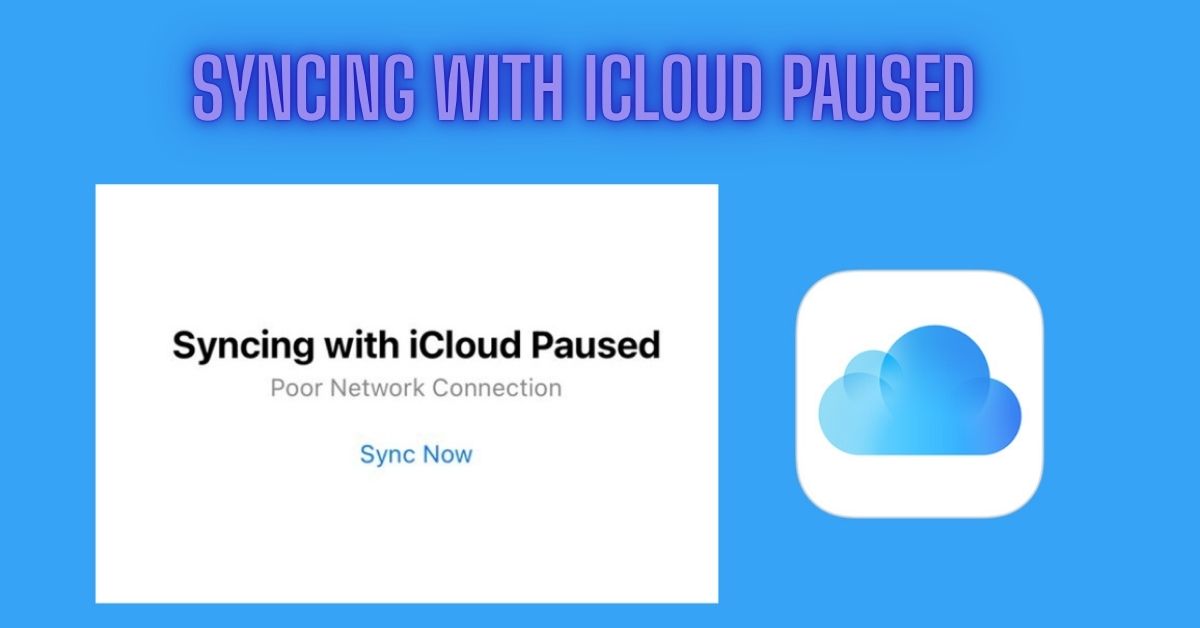
Syncing with iCloud Paused means your iPhone has stopped uploading or updating data to iCloud for a short time. This is not a serious error. It is a normal system message. It often happens due to Low Power Mode, weak Wi-Fi, or full iCloud storage. Your photos, contacts, and files are still safe in iCloud.
The sync will continue once conditions improve. You can fix it by charging your phone, turning off Low Power Mode, or connecting to stable Wi-Fi. Also check iCloud storage and Apple system status. This iCloud sync issue is common on iPhone and usually fixes itself quickly.
Where Does This Message Appear?
The message “Syncing with iCloud Paused” appears in different parts of your Apple device. You may see it in Settings under iCloud or Apple ID. It can also appear in Photos, iCloud Drive, Messages, Contacts, and Mail apps. This iCloud sync issue shows when data upload or backup is stopped. It is common on iPhone, iPad, and Mac devices.
The message is part of iOS system notifications. It usually appears when there is a low battery, weak Wi-Fi, or a storage full problem. Your iCloud syncing is paused temporarily, but your data remains safe until syncing resumes automatically.
How to Clear iCloud Storage?
To clear iCloud storage, first open Settings on your iPhone. Tap your Apple ID and go to iCloud. Check your iCloud storage usage. This helps fix iCloud sync-paused issues. Delete old backups that you no longer need. Remove large files from iCloud Drive. You can also delete unwanted photos and videos from iCloud Photos.
Turn off apps that are using too much storage. Freeing space helps iCloud syncing work smoothly again. If needed, upgrade your iCloud storage plan. Managing iCloud storage prevents iCloud backup problems, syncing issues, and storage full errors on iPhone, iPad, and Mac devices.
Writing Tools Aggr8Tech: Smarter Content Solutions
When to Relax vs. When to Take Action?
| Situation | What It Means | What You Should Do |
| Low Power Mode on | iCloud syncing is paused to save battery | Relax, plug in your phone, and wait |
| Weak Wi-Fi | Poor internet connection is stopping sync | Switch to a stable Wi-Fi network |
| iCloud Storage Full | No space for new data uploads | Free up storage or upgrade plan |
| Apple Server Down | iCloud services are temporarily unavailable | Wait until Apple fixes the issue |
| Phone In Use | Sync waits for idle screen time | No action needed it will resume |
| iOS Outdated | Software bugs may affect syncing | Update iOS to the latest version |
| Short Delay Only | Temporary system pause | Relax, syncing usually resumes automatically |
How to Cancel or Downgrade Your iCloud Storage Plan?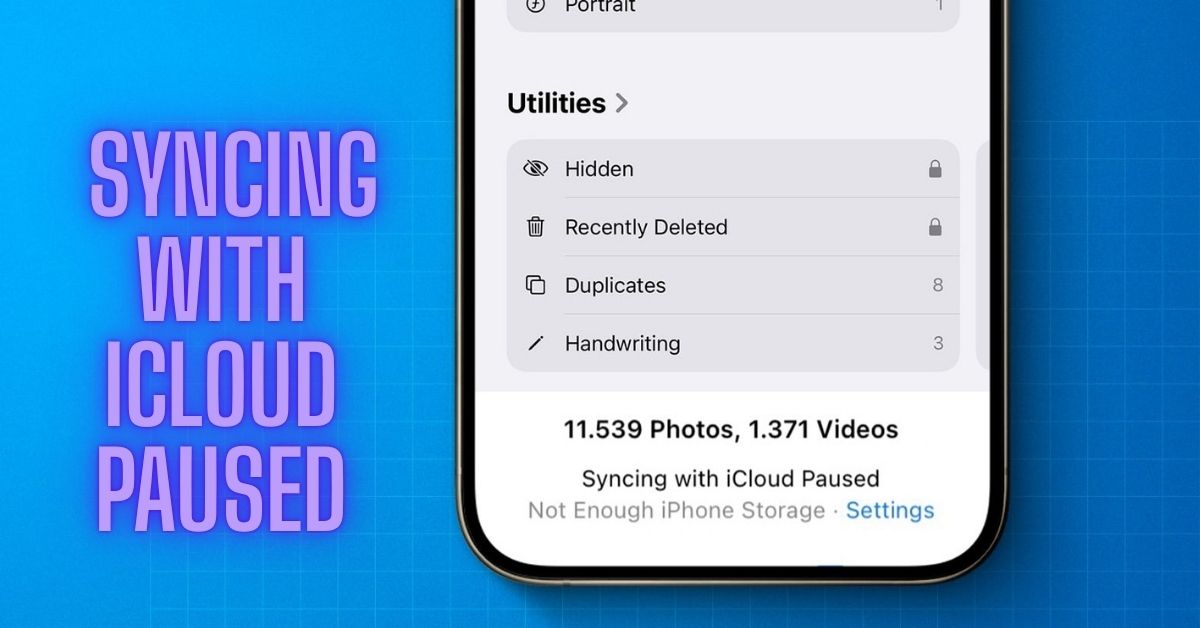
To cancel or downgrade your iCloud storage plan, open Settings on your iPhone. Tap your Apple ID and select iCloud. Go to Manage Storage or iCloud Storage. Tap Change Storage Plan. You will see downgrade options. Select a smaller plan or the free plan. Enter your Apple ID password to confirm.
This helps manage iCloud storage and fix iCloud sync-paused issues. After downgrading, your storage space will reduce. Make sure your data fits in the new limit. This process helps avoid iCloud backup errors, storage full problems, and syncing issues on iPhone, iPad, and Mac devices using iCloud services.
7 Common Reasons Why iCloud Syncing Pauses
- Weak WiFi: A weak or unstable Wi-Fi connection can stop iCloud data transfer. iCloud needs a strong and stable internet connection to upload photos, files, and backups properly.
- Storage Full: If iCloud storage is full, syncing will pause. There is no space available for new data. This leads to backup failure and sync interruption on Apple devices.
- Network Issue: Slow or unstable mobile data or Wi-Fi can interrupt syncing. Poor network quality causes delays in uploading and updating iCloud content.
- Server Down: Apple iCloud servers may sometimes go down for maintenance or issues. When this happens, syncing stops temporarily for all users.
- iOS Update: Outdated iOS versions can cause syncing bugs. Apple updates are needed to fix errors and improve iCloud performance and stability.
- System Load: High device usage or heavy background tasks can pause syncing. iPhone prioritizes performance, which delays iCloud updates temporarily.
Similar iCloud Messages: What Do They Mean?
Similar iCloud messages show different sync or storage problems on iPhone. You may see “iCloud Backup Failed,” “Waiting for Wi-Fi,” or “iCloud Storage Full.” These messages mean your iCloud syncing is paused or delayed. It often happens due to low storage, weak internet, or Apple server issues.
Your iCloud data like photos, contacts, and files stay safe. These are common iCloud sync issues on iPhone, iPad, and Mac. To fix them, check Wi-Fi connection, free iCloud storage, or restart your device. Updating iOS also helps. These iCloud error messages are normal and usually fix themselves quickly.
AI in Real Estate Profitability: Benefits, Tools, and Future Trend
How to Fix the iCloud Syncing Paused Message on iPhone?
To fix the iCloud syncing paused message on iPhone, start by checking Wi-Fi connection. iCloud needs stable internet for syncing. Turn off Low Power Mode in battery settings. Then charge your iPhone to resume syncing. Check iCloud storage and delete unwanted files if storage is full. Restart your iPhone to clear system glitches.
You can also sign out and sign back into your Apple ID. Update iOS to fix software bugs. These steps solve common iCloud sync issues, backup problems, and Apple cloud errors. After fixing it, your iCloud syncing will restart, and your data will update normally again.
Conclusion
iCloud syncing pauses are usually normal and temporary on iPhone and other Apple devices. Most issues happen due to low battery, weak Wi-Fi, full storage, or system settings. In some cases, Apple server problems or outdated iOS can also affect syncing. Your data remains safe in iCloud even when syncing is paused.
Simple actions like charging your phone, using stable internet, and updating iOS can quickly fix the issue. Managing iCloud storage also helps prevent future problems. Overall, iCloud sync issues are easy to solve and usually restore automatically once the conditions improve.
FAQ’s
Does Low Power Mode affect iCloud sync?
Yes, it pauses background syncing to save battery.
Can full storage stop iCloud syncing?
Yes, if storage is full, new data cannot upload.
How long does syncing pause last?
Usually a few minutes until conditions improve.
Do I need to manually restart iCloud sync?
Not always it often resumes automatically.
Should I worry about this message?
No, it is common and usually fixes itself quickly.
